Viewing and voiding declarations
Context
Declarations are submitted by lead providers via the API to mark milestones in an ECT or mentor’s training.
We’ve already designed many journeys for admins to see information regarding ECT’s and mentors, such as information about their training programme, personal details, and their school details.
We’ve now also designed a journey for an admin to be able to view declarations that have been submitted by lead providers, as well as be able to void declarations if necessary.
A declaration may be voided if it is incorrect.
What we’ve designed
We’ve designed a journey for an admin to be able to view declarations that have been submitted by lead providers.
One of the key things we’d learnt from speaking to users is that they wanted to be able to view clearly what declarations have been submitted, and what the state of each declaration is. As this is the key highlight, we’ve designed for the declaration to be shown in a progressive disclosure pattern. This means that the full details of the declaration are only shown when the user clicks on the declaration.
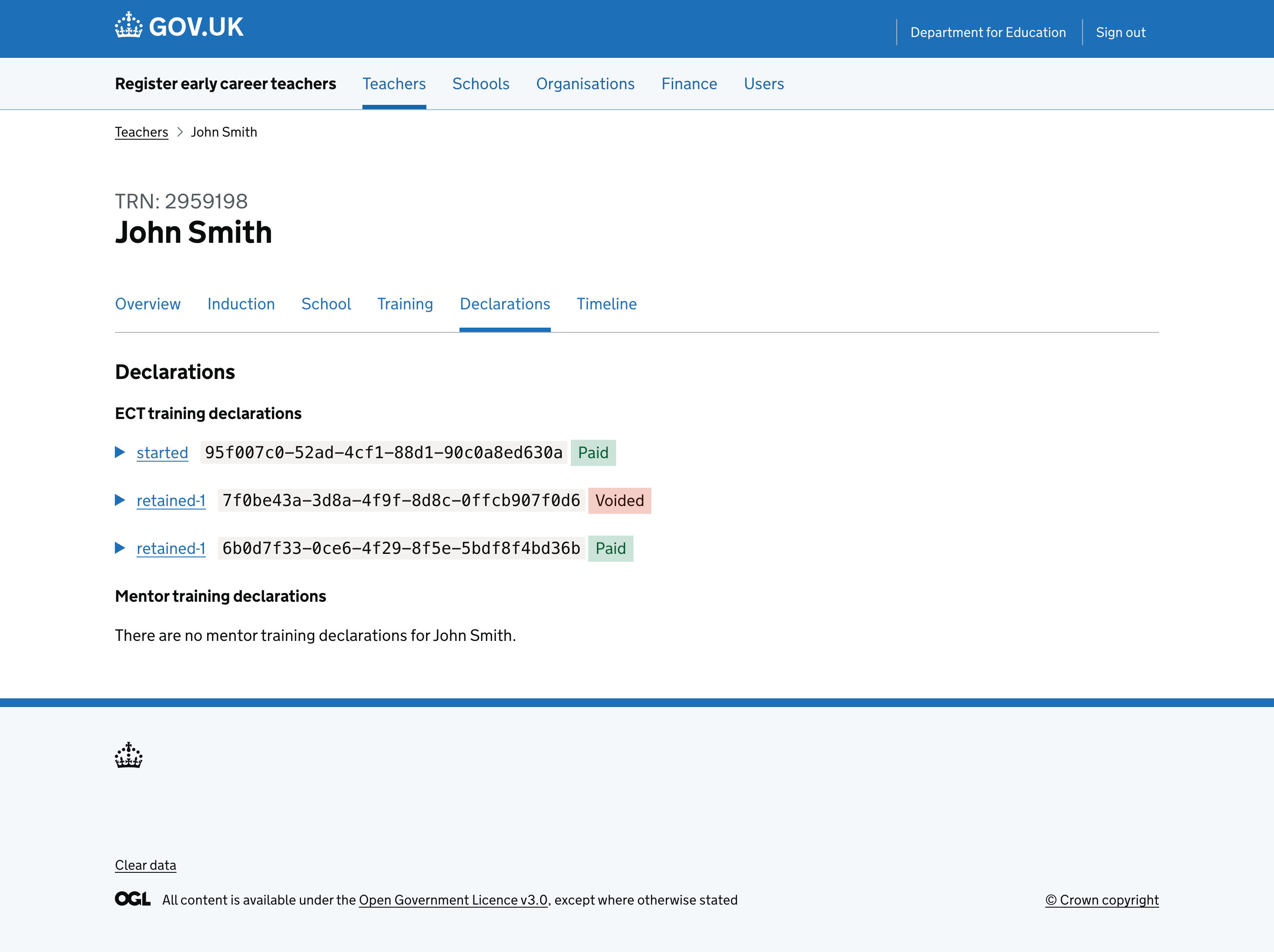
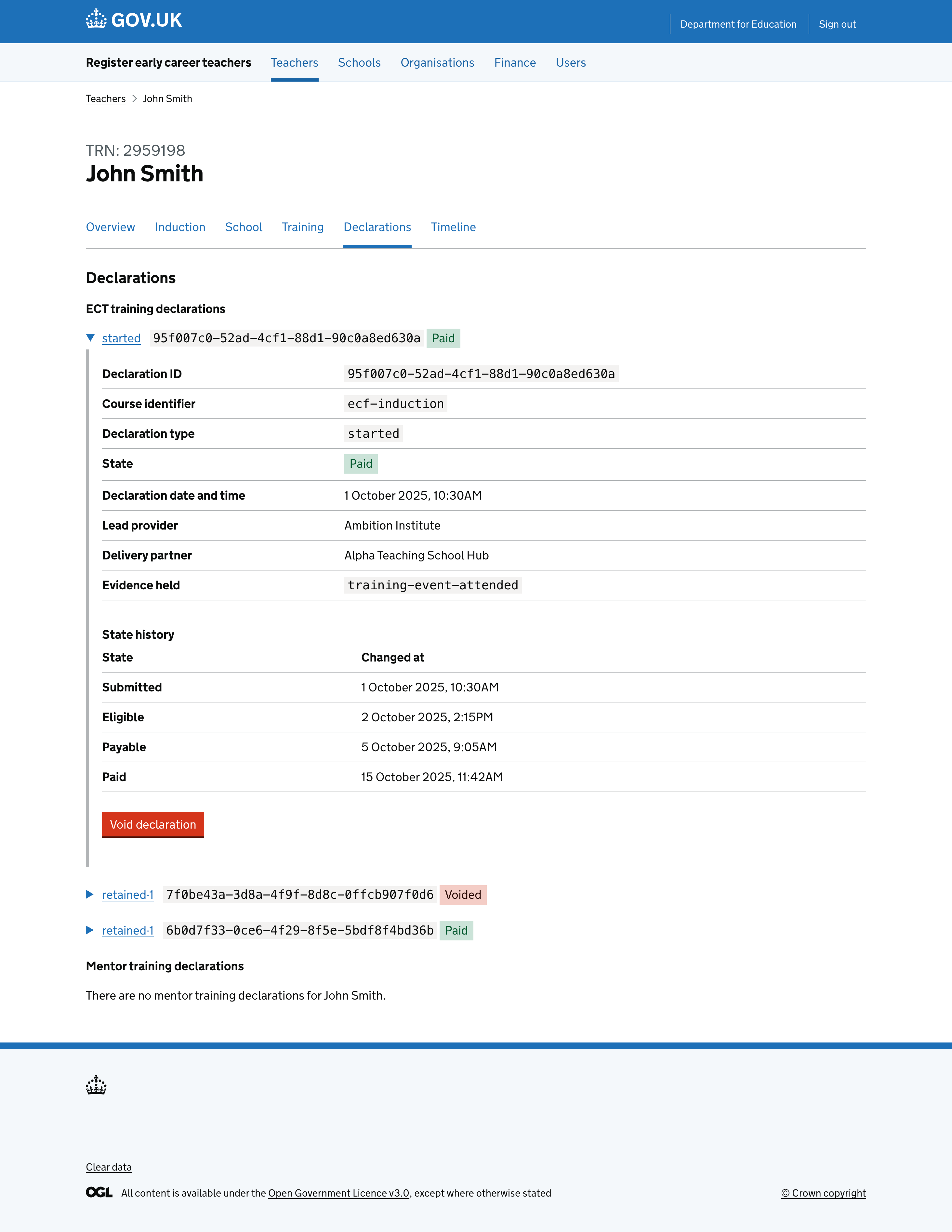
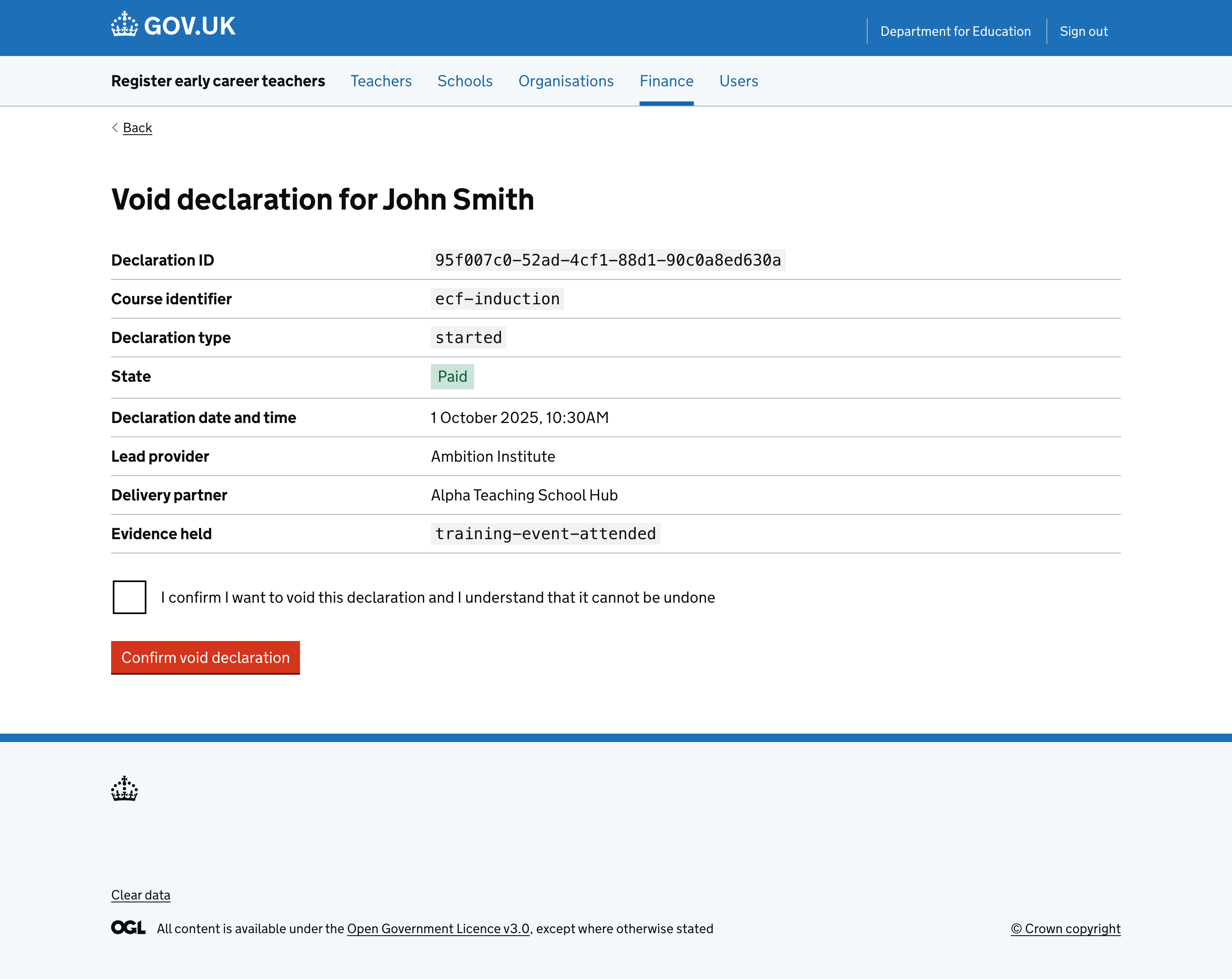
From here, an admin, with elevated permissions for finance, is able to void a declaration if it is incorrect by selecting the ‘Void declaration’ button. They will then be prompted to confirm their action. We’ve limited this action to finance users as they will be responsible for handling these queries, which are a higher risk action that impacts payments.
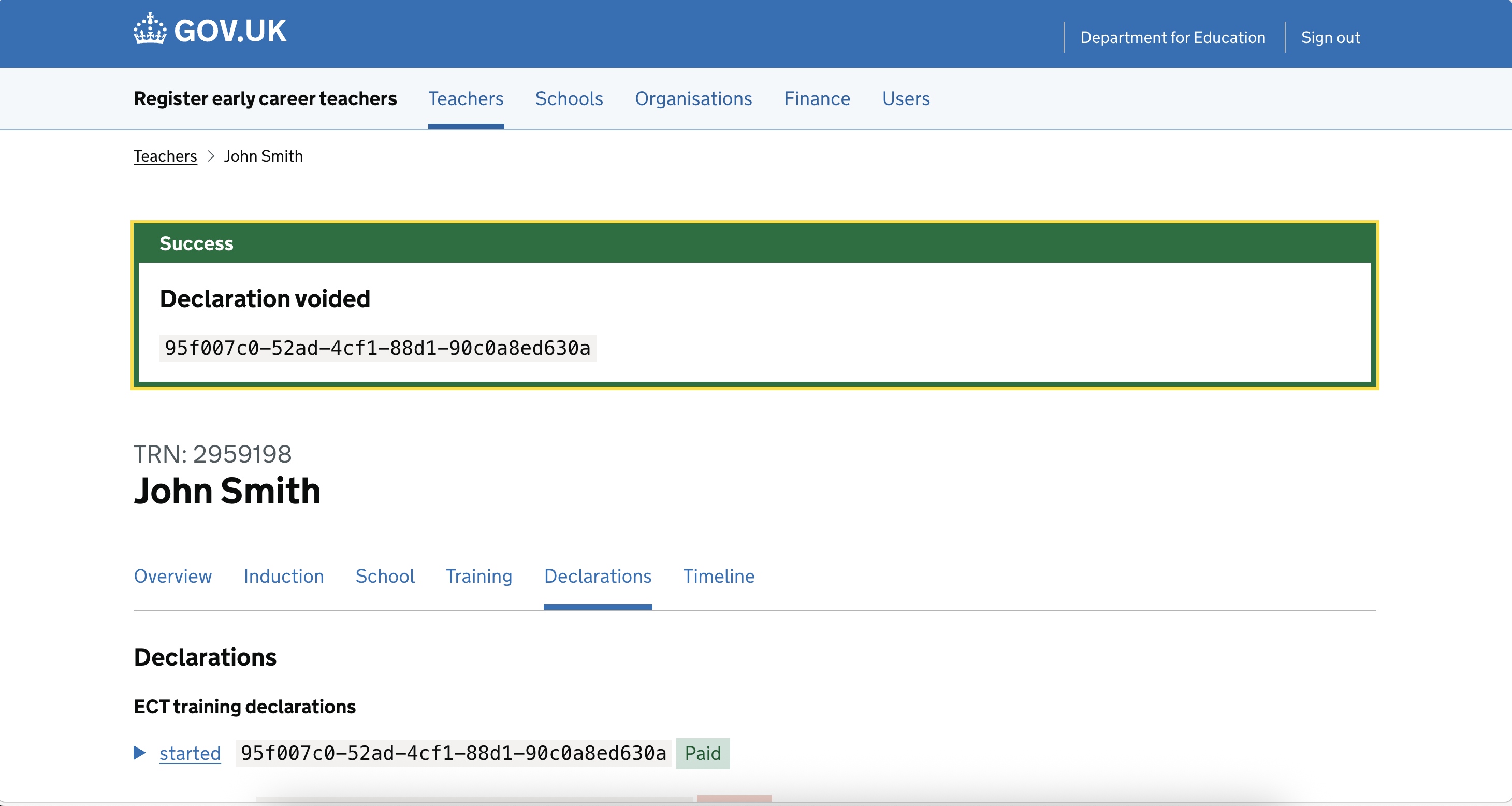
Once the declaration has been voided, the admin will be taken back to the declarations list page, and the declaration will be shown as voided, along with a confirmation banner.
We’ve confirmed with users that this is the expected behaviour, and that they are happy with the journey.